Navigating your Gallery.
How to select your favourites in your viewing gallery?

Step 1
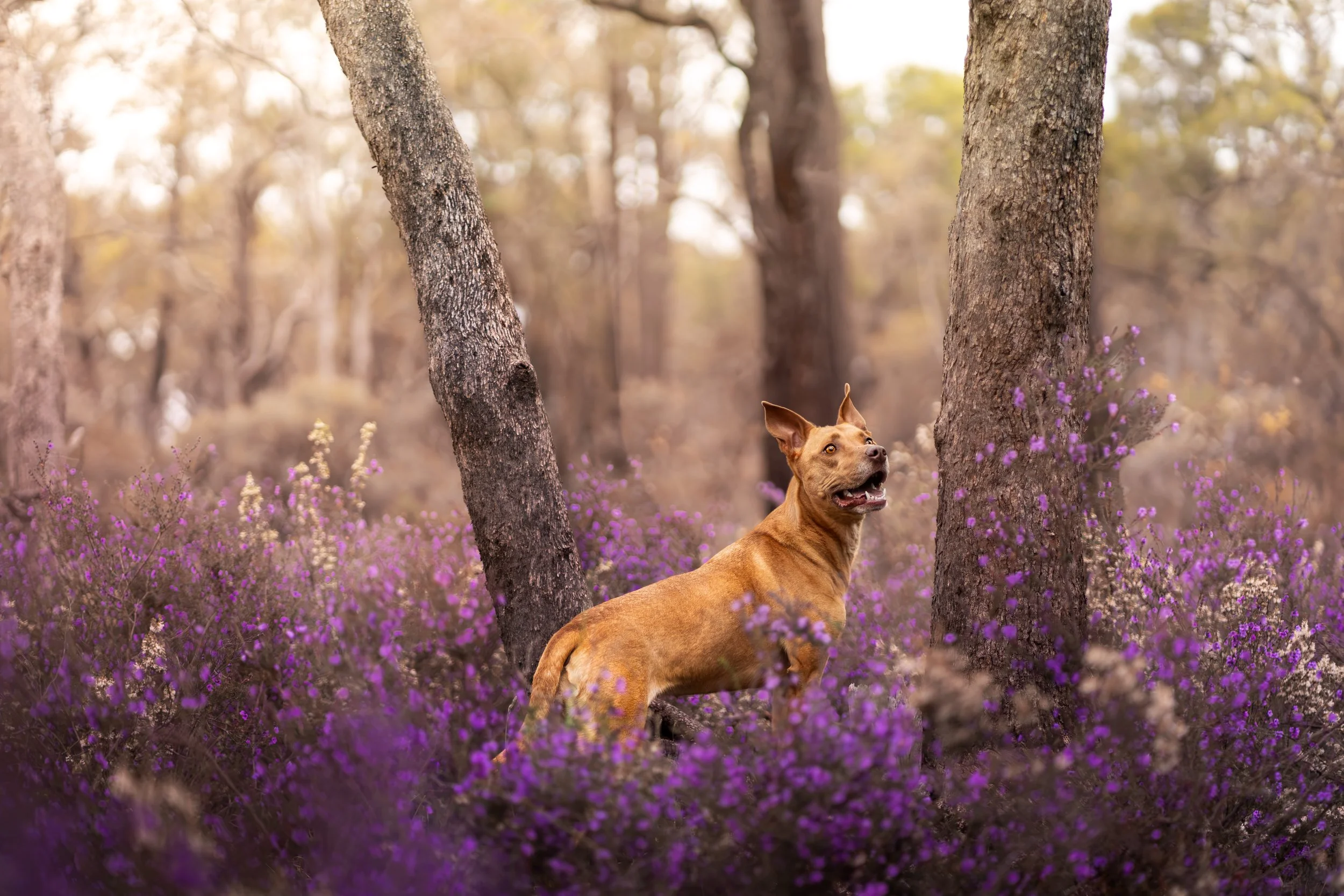
When you click on and review your photo in a larger format, you can place it in your favourite’s list by clicking on the “Heart” icon.
Step 2
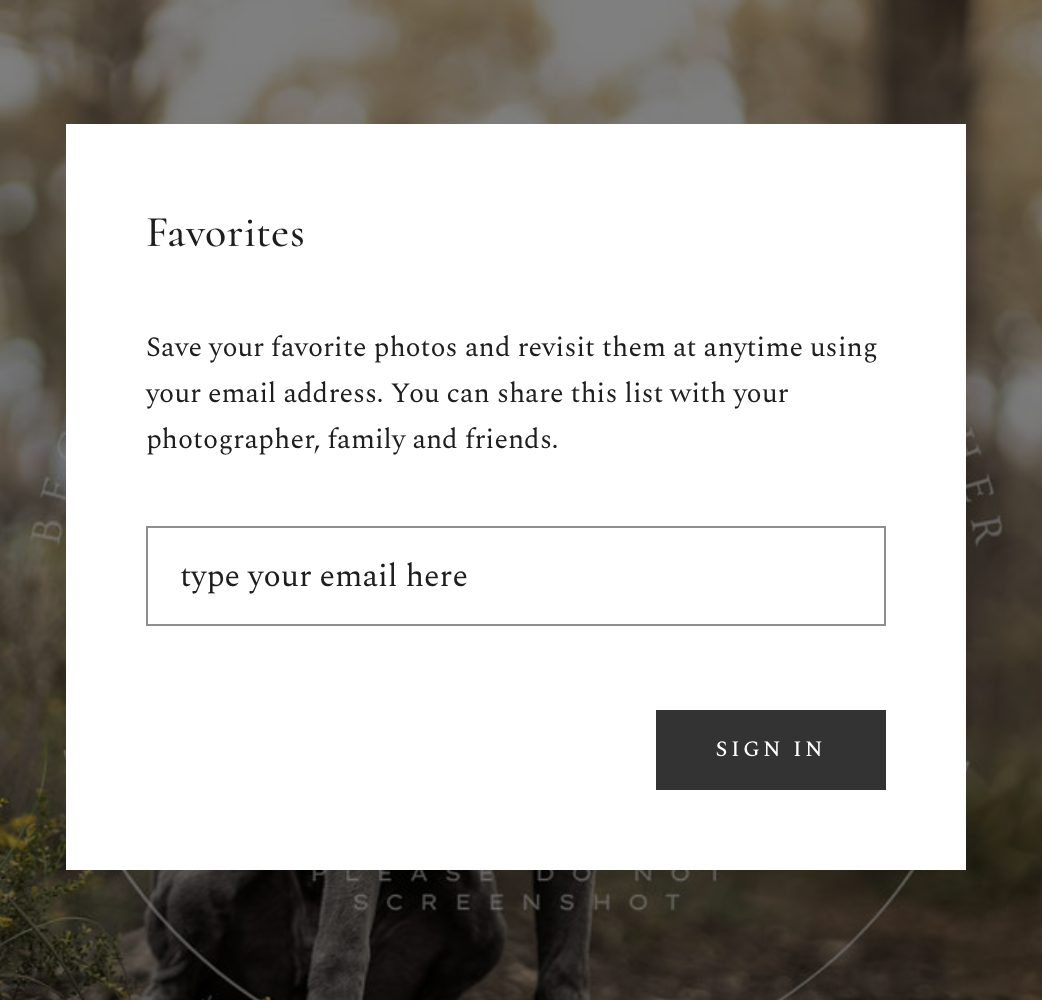
You’re able to access your pre-made list by entering your email address to navigate and organise your selections.
Step 3
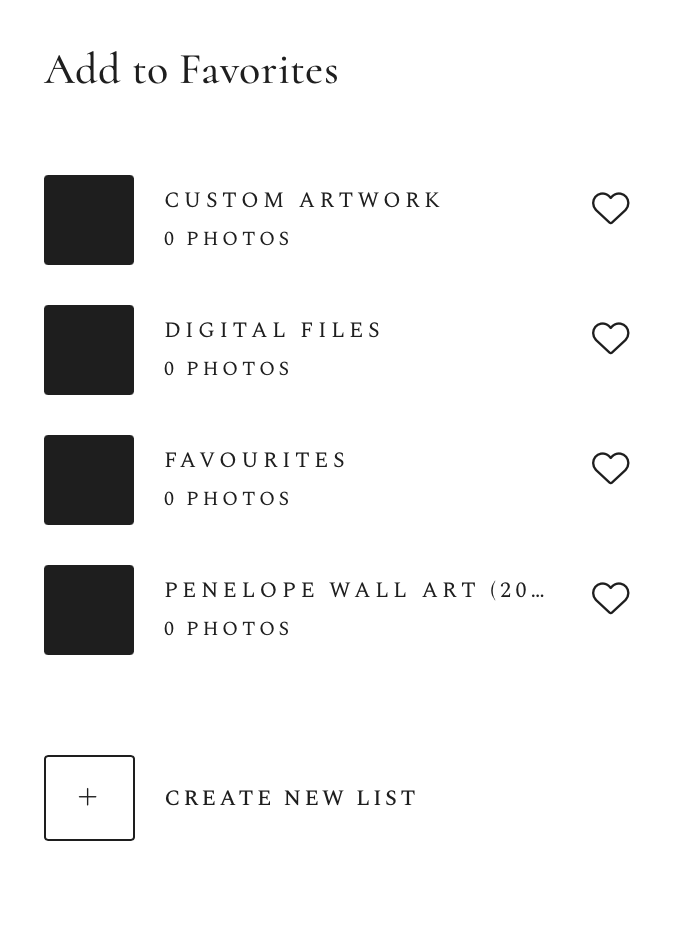
Place your selected photo into various lists to better organise your selections.
You can also create your own favourite’s list here.
Once done, please email back and let me know. Thank you!
Please Note: You’ll be given further details and instructions on how to finalise your selections once you receive your viewing gallery in an email.